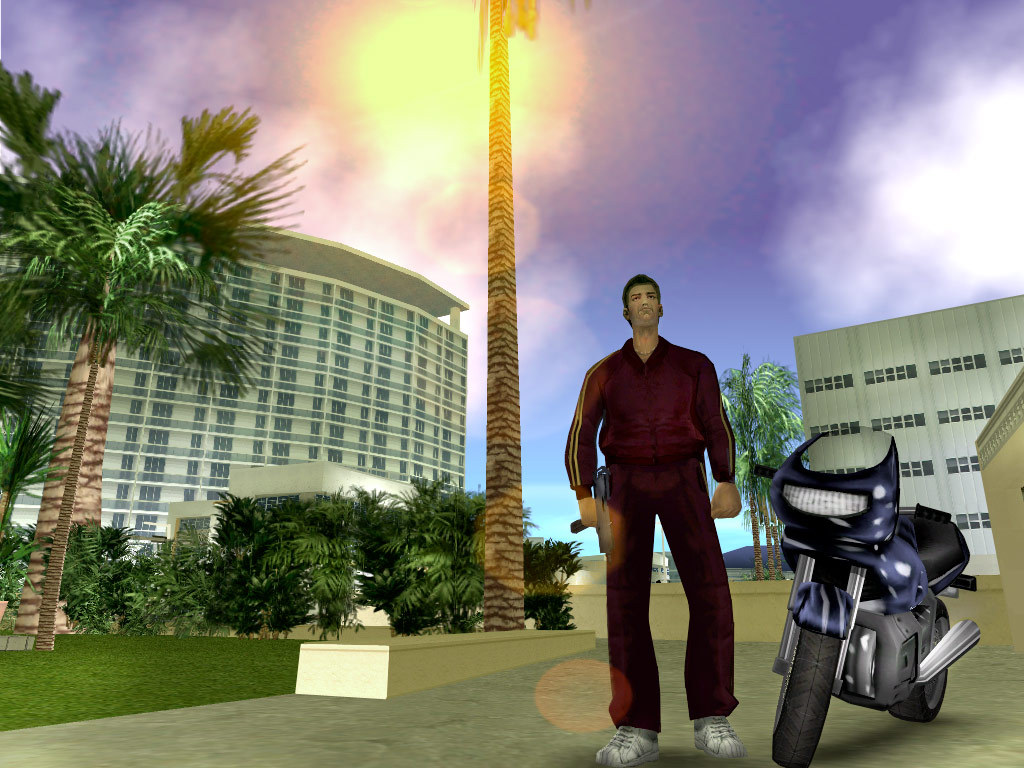
01 / VICE CITY1986 ↗
THE SUNSHINE STATE OF MIND
Vice City.
Neon nights, palm-lined streets and Tommy Vercetti’s rise through Vice City.
PLAY VICE CITY ONLINE ↗Controls & loading help ↓ Vice City GTABROWSER GAMECHOOSE A CITY ↗
GTA BROWSER GAMES 01 / 02
Vice City or Liberty City? Choose a game and play right here in your browser. No game installation needed. First load may take several minutes.
Compare both games ↓SINGLE-PLAYER GAMES · QUENQ PLAYERS
THE COLLECTION / 01
Two classics, two very different streets. Open a game page to play, explore the story and check browser controls.
THE SUNSHINE STATE OF MIND
Neon nights, palm-lined streets and Tommy Vercetti’s rise through Vice City.
PLAY VICE CITY ONLINE ↗Controls & loading help ↓ Vice City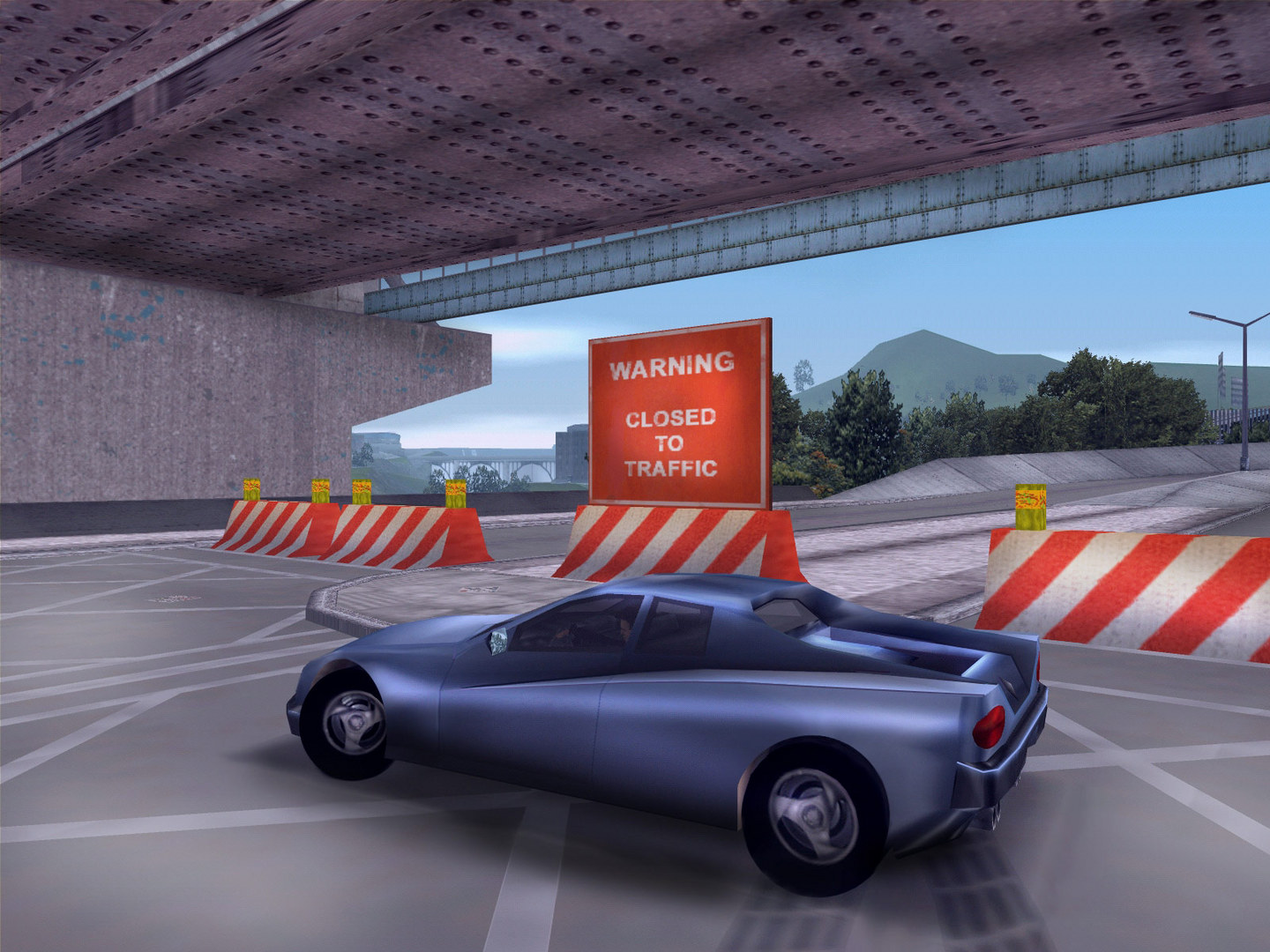
WELCOME TO LIBERTY CITY
Follow Claude into a city of bridges, backstreets and shifting alliances.
PLAY GTA 3 ONLINE ↗Controls & loading help ↓ GTA IIIWhere will I play? Each game page includes an unofficial player provided by Quenq. Click Play to load it and stay on our page. We are not affiliated with Quenq or Rockstar Games; availability and loading are controlled by the provider.
More browser games: 11 titles in the library →On-page players, plus author and provider entrances. Editions and requirements labelled.
Original PC game screenshots: Rockstar Games / Vice City on Steam & GTA III on Steam. Background: Vice City oceanfront skyline. Images illustrate the original games; they are not captures of the browser ports.
TWO CITIES / ONE CHOICE
Choose by setting and character. The browser features below are described by Quenq; they are not a promise of performance on your device.
| What matters | Vice City | GTA III / GTA 3 |
|---|---|---|
| Setting | 1986 · palm-lined Vice City | 2001 · Liberty City's urban districts |
| Main character | Tommy Vercetti | Claude |
| Original game | Story missions, driving and on-foot action | Story jobs, driving and police pursuits |
| Browser inputs | Quenq lists keyboard/mouse, gamepad and touch | Quenq lists keyboard/mouse, gamepad and touch |
| Progress | Quenq describes save import/export | Quenq describes save import/export |
| Before starting | Vice City controls & setup → | GTA 3 controls & setup → |
Prefer an eighties coastal setting? Start with Vice City. Looking for Liberty City and Claude's story? Start with GTA III. Both game pages use unofficial third-party players, separate from Rockstar's original releases.
GETTING STARTED / 02
Load a game on its detail page, then choose PLAY GAME inside the player.
Open either game page above and click its Play cover. The player loads on the same page.
Use the PLAY GAME button in the game area. The first load can take time. You do not need to install a browser extension; use fullscreen for more room.
Quenq lists keyboard and mouse, gamepad and touch controls. It recommends hardware acceleration if the game does not start or runs poorly.
GOOD TO KNOW / 03
This site currently offers GTA Vice City and GTA III through Quenq players. We do not currently offer a GTA 5 player. These are separate games, not versions of GTA 5.
No. These are single-player browser versions of Vice City and GTA III, not Rockstar’s GTA Online multiplayer service.
No game installer or browser extension is needed. Your browser still downloads game resources from the provider while loading. Keep the tab open as progress advances; first load can take several minutes.
No. These are unofficial third-party ports hosted on Quenq. This is an independent game website and is not affiliated with Rockstar Games, Take-Two Interactive or Quenq.
Yes. Open a game page and load its embedded Quenq player. Game data comes from the provider. A separate Open on Quenq link is available if the embedded player does not work in your browser.
Try a current browser with hardware acceleration enabled. For Vice City, the provider suggests a 30 FPS limit if physics or missions behave unexpectedly. The external provider controls game availability.
Quenq lists on-screen touch controls and recommends landscape and fullscreen. Performance depends on the device; we have not verified every mobile device.